GRAPHITE
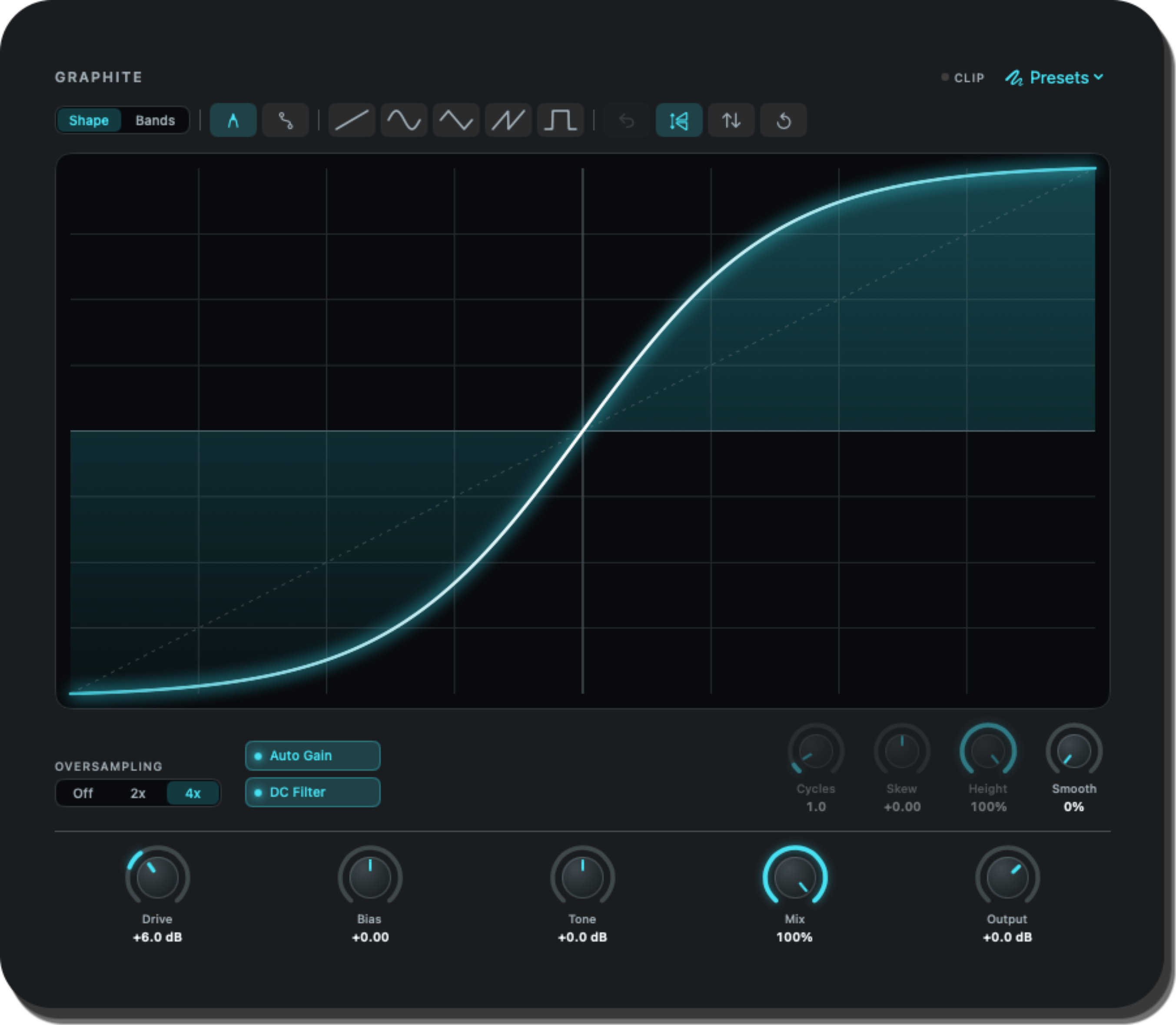
Draw your distortion. Shape your sound.
Draw your distortion. Shape your sound.
01 / Shape the curve
Graphite’s visual canvas is where your distortion takes shape. Draw a custom transfer curve and hear how it transforms your signal, from subtle harmonic colour to aggressive waveshaping.

02 / Make it yours
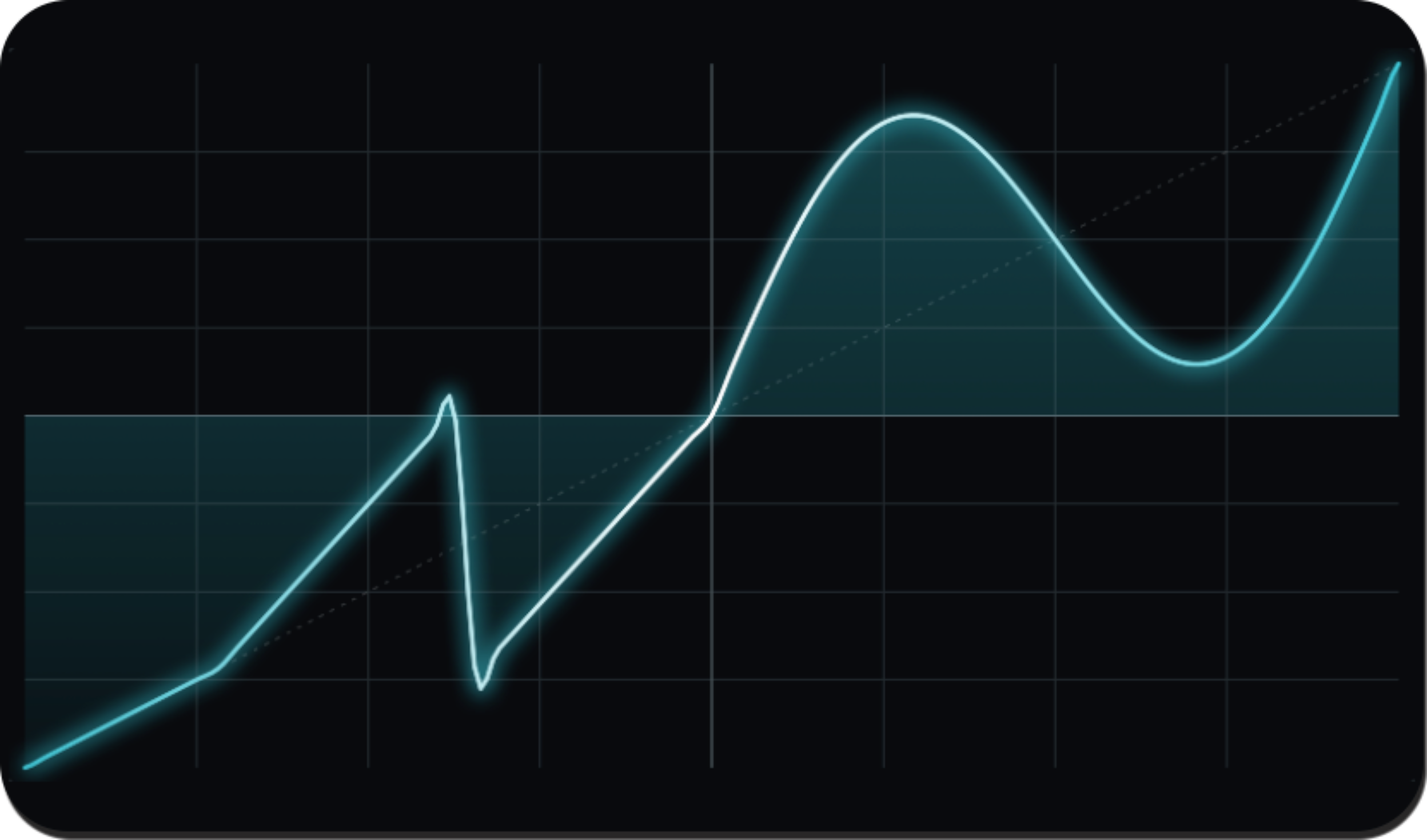
Draw your own distortion profile directly on the canvas. Create smooth saturation, hard clipping, asymmetrical curves, digital crunch, and completely original effects with an immediate visual connection between shape and sound.
03 / Bend the signal
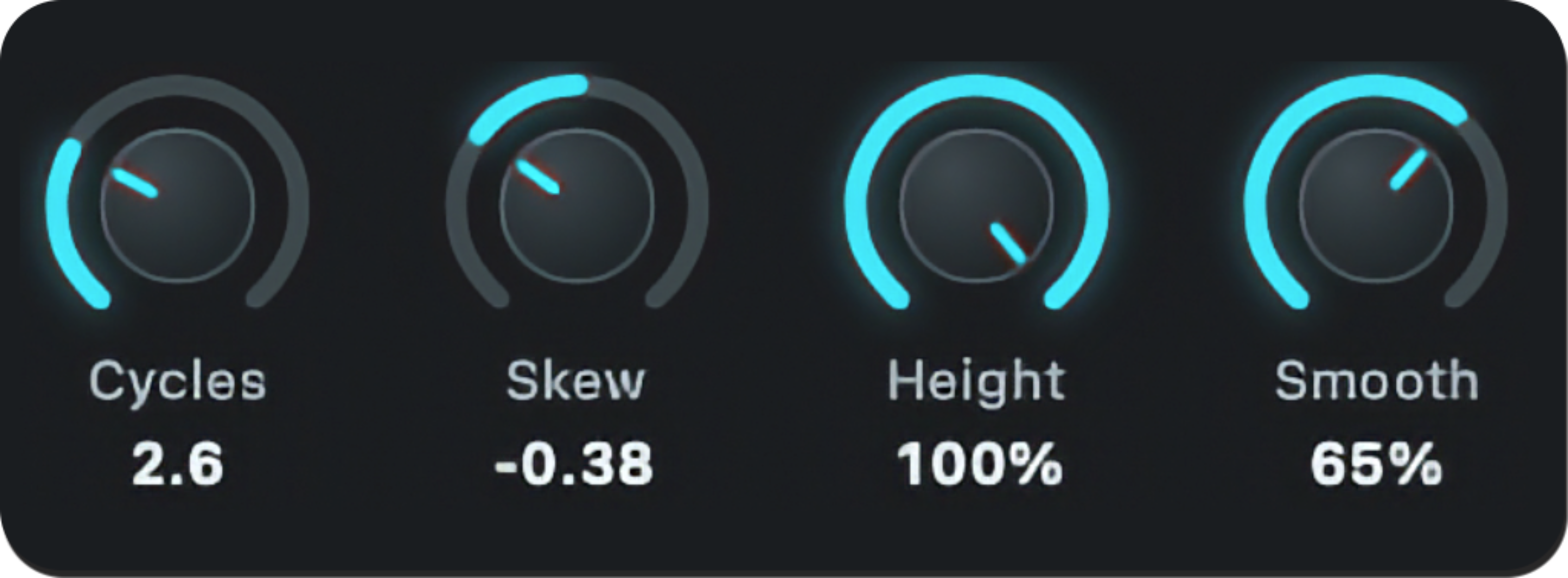
Push your curve beyond the expected. Warp the drawing tools to bend, stretch, and mangle your waveshaping profile for more extreme harmonic movement and experimental sound-design textures.
04 / Work in bands
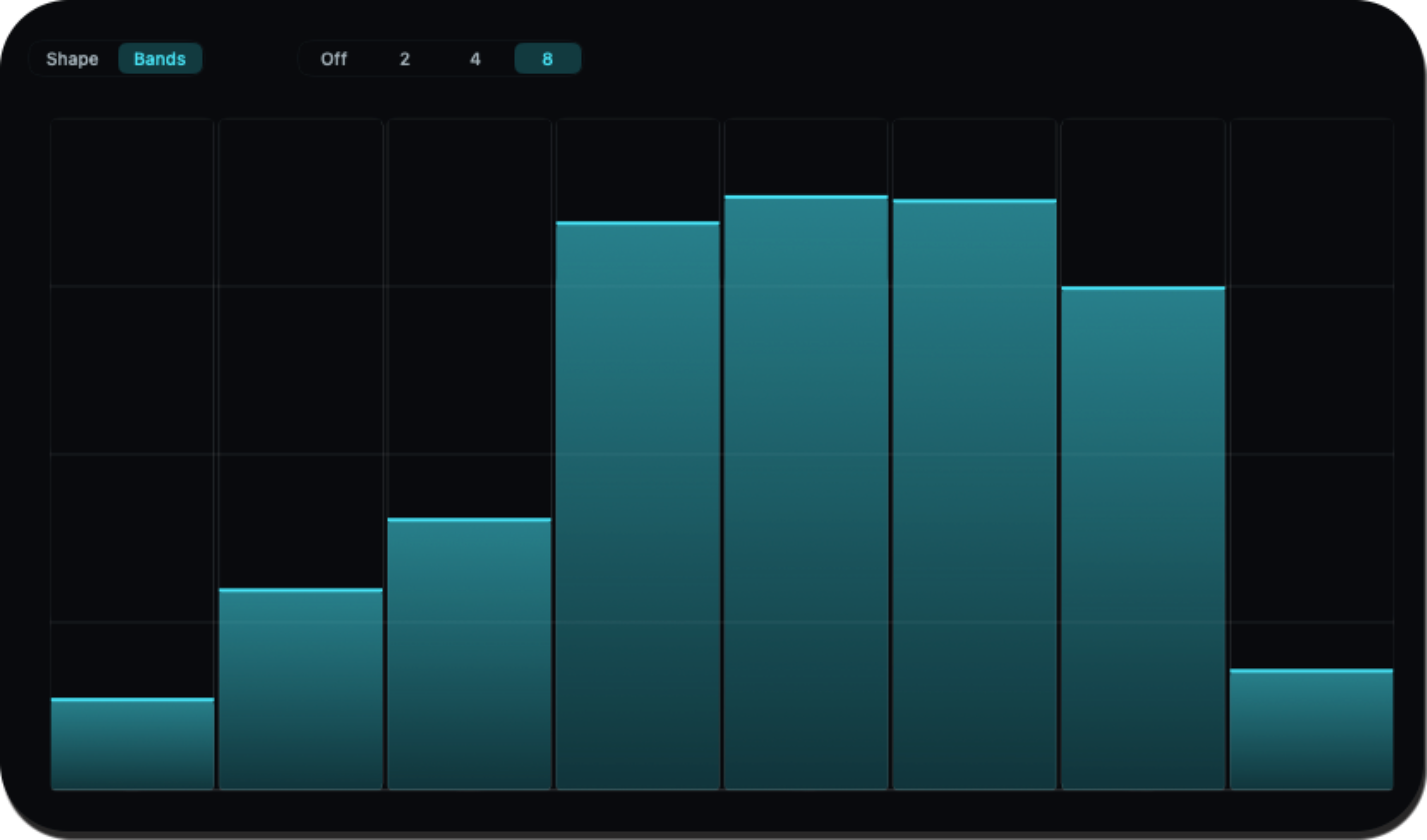
Split your signal into up to eight bands and shape each range with its own character. Add weight to the lows, presence to the mids, or controlled destruction to the highs—all from one flexible multiband workflow.
05 / Find your edge
Dial in the intensity and feel of your distortion with precise control over drive, tone, mix, and other shaping options. Use Graphite as a subtle colour box or push it into full creative destruction.

06 / Refine the output
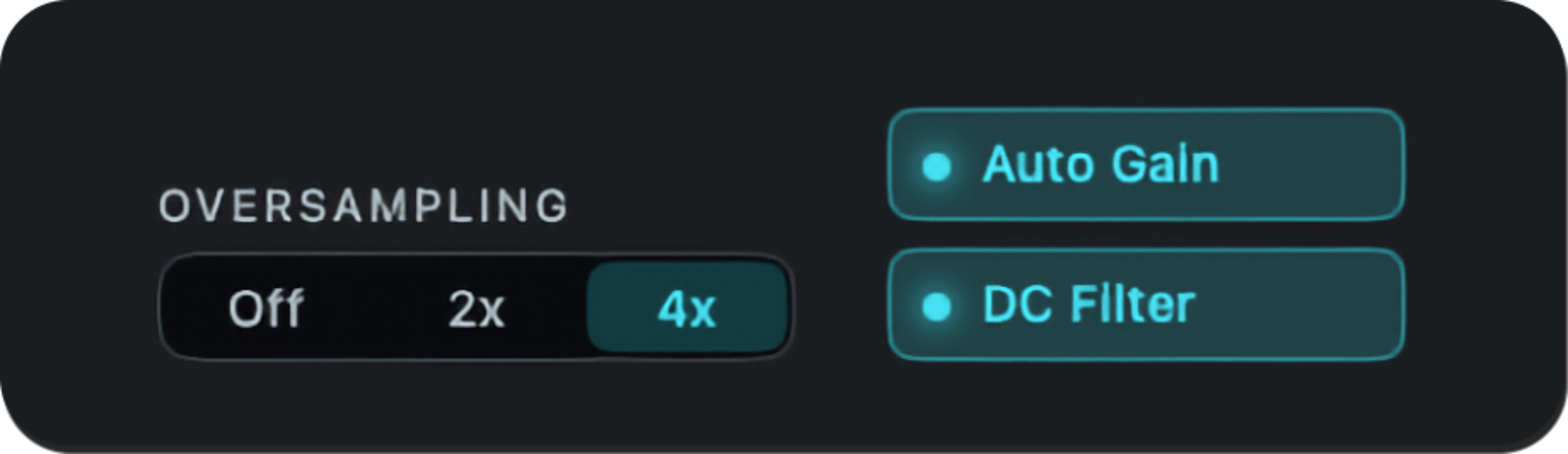
Refine the final result with output control, filtering, oversampling, and auto-gain. Keep your levels manageable while preserving the detail, impact, and character of your custom waveshaping.
Built independently. Shaped by sound.
Follow Bass Daddy Devices for Graphite release news, development updates, and more tools for shaping your sound.
Get updates from Bass Daddy Devices via Gumroad.